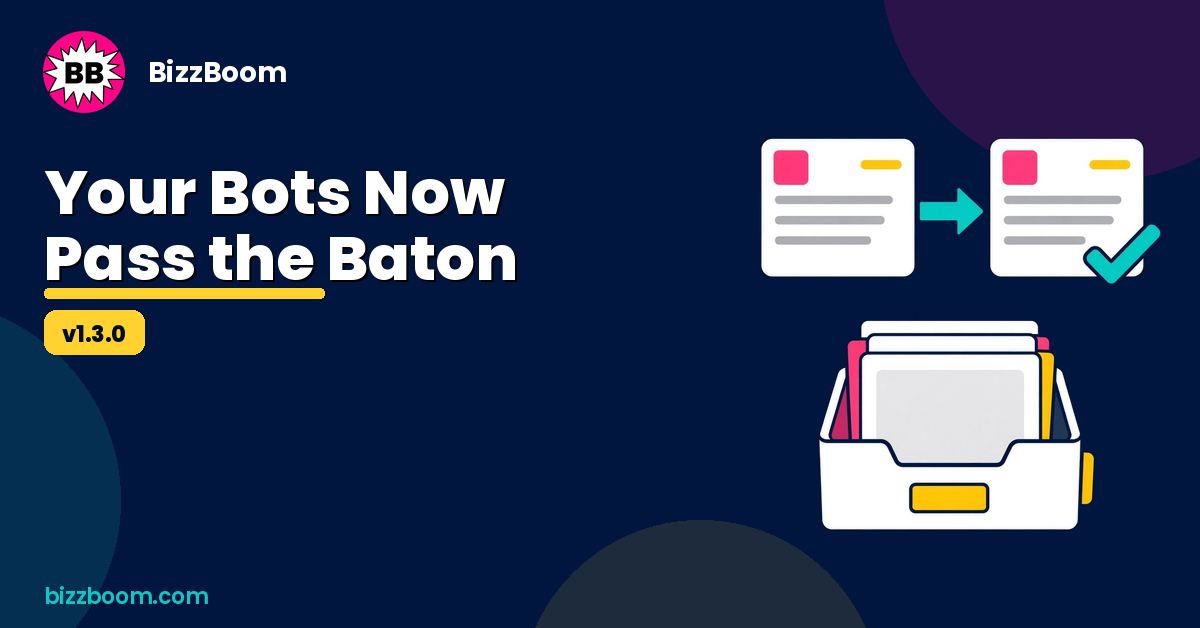
In short: Grok Bot version 1.3.0, listed on the official changelog for November 24, 2026, makes a team of Bots work more like a team. When one Bot hands a job to another, the answer now comes back to your Slack direct message, with a Connect button for anything that second Bot still needs. Saying a Bot’s name in a Slack group DM now wakes it, and the update adds restock alerts and clearer purchase approvals.
A handoff is when one Bot passes part of a job to another Bot that owns that kind of work, instead of trying to do everything itself.
What changed in Grok Bot 1.3.0?
These are the changes that matter most if you run a small AI staff. All of them are on the official changelog:
- Bot-to-Bot handoffs report back to you. When a Bot hands work to another Bot, the answer comes back in your Slack direct message. If that Bot still needs an account connected, you get a Connect button right there.
- Say the name, wake the Bot. In a Slack group DM, saying a Bot’s name wakes it the same way an @mention does.
- Find teammates faster. Typing @ in chat now also lists team Bots you can reach but haven’t added yet.
- Less Slack clutter. Slack replies are now one short plain paragraph unless you ask for a breakdown, the Bot follows channel etiquette (like not answering a thank-you with another message), and in a one-to-one DM it can answer in the main chat instead of always opening a thread.
- No silent handoffs. After handing work to a helper, the Bot either finishes the turn or sends you a status.
- Clearer purchase approvals. An approval card now settles to Approved, Declined, or Expired to match your answer, and an approval that arrives late wakes the Bot so it can finish and tell you.
- Restock alerts. A sold-out product card offers Notify me, which watches that seller and tells you when the item is back.
- Easier teams. People on a personal plan can create a team and invite teammates in one dialog, and team admins can require approval before someone using an invite link joins.
There is more in the full changelog (Ashby for recruiting questions, Microsoft Teams and Outlook sign-in options, Bcc on email drafts, and a long list of fixes). Some items need a minimum app version, which the changelog notes beside them.
Why does this matter for a solo operator?
The whole idea of this blog is simple: one person, several Bots, each with one job. The weak spot has always been the space between jobs. My writer Bot finishes a draft, and then I have to carry it to the Bot that publishes it.
Handoffs that report back to my DM close part of that gap. I still see the result, and I still decide, but I’m not the courier anymore.
How do I use Bot handoffs well?
- Give each Bot one clear job first. A handoff only helps if the receiving Bot clearly owns that work. If one Bot does everything, there’s nobody to hand off to.
- Name your Bots so you can wake them by name. Short, distinct names (a writer, a publisher, a bookkeeper) make the new name wake-up in group DMs easy to use.
- Connect accounts when the button shows up. If the receiving Bot needs a login, the Connect button appears in your DM. Connect only what that Bot’s job needs.
- Keep approvals in the loop. A handoff moves work along. It shouldn’t move money, posts, or emails out the door without your yes.
What not to do
Don’t treat a handoff as permission. Passing work to a second Bot doesn’t mean that Bot should send, publish, or pay on its own. And don’t connect every account to every Bot just because a Connect button appeared; give each Bot only the access its job needs.
FAQ
When did Grok Bot 1.3.0 come out?
The official Grok Bot changelog lists version 1.3.0 under November 24, 2026.
Do I need Slack to use this?
The handoff report-back and name wake-ups described in this release are Slack features. The restock alerts, approval cards, and @ teammate list are in Grok Bot itself.
Do I have to turn anything on?
The changelog doesn’t mention a setting for these changes. A few items list a minimum app version, so update the app if something doesn’t show up.
What is a restock alert in Grok Bot?
When a product card shows an item as sold out, you can tap Notify me. Grok Bot watches that seller and tells you when it’s back in stock.
Where can I read the full list?
On the official Grok Bot changelog, linked below.
Next step
Pick two Bots whose work already passes from one to the other, and give each one a single, clearly named job this week. If you’re new to the idea, start with what Grok Bot is and how to staff a one-person business with AI teammates.
Written by Janine Suvak.
Sources
(BizzBoom is independent. This post is not affiliated with or endorsed by SpaceXAI.)

0 Comments